Internal notes on the patient card are for operational handover — allergies flagged at reception, membership queries, or “running late”. They are not a replacement for clinical notes in Documenti, but they do copy across so clinicians see context on the daily list.
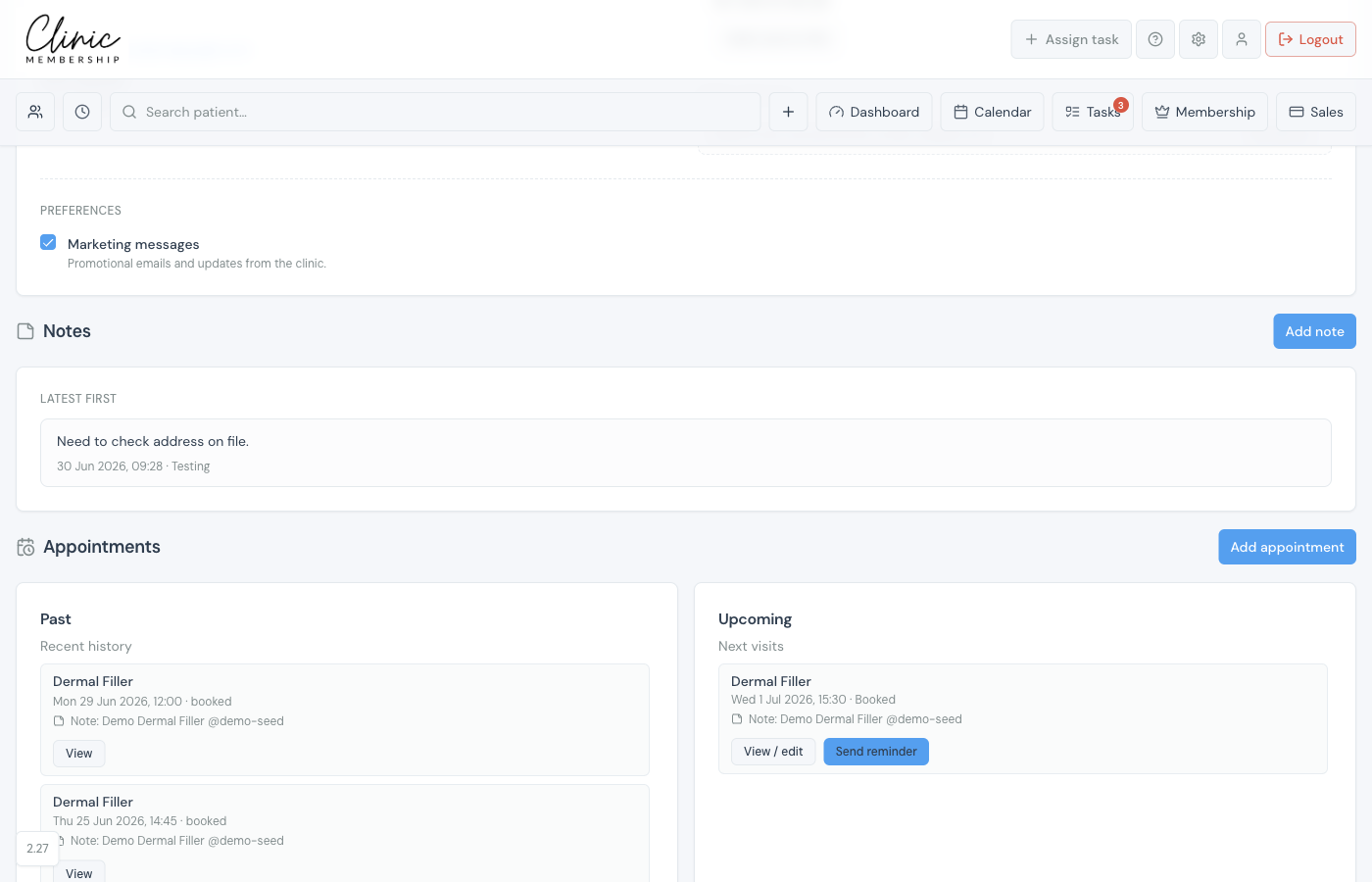
Add an internal note
- Open the patient card in Clinic Membership.
- Scroll to Internal notes (or add a note when creating a patient).
- Type your note and save.
- The note syncs to Documenti with the author’s name — usually within about a minute.
In Documenti
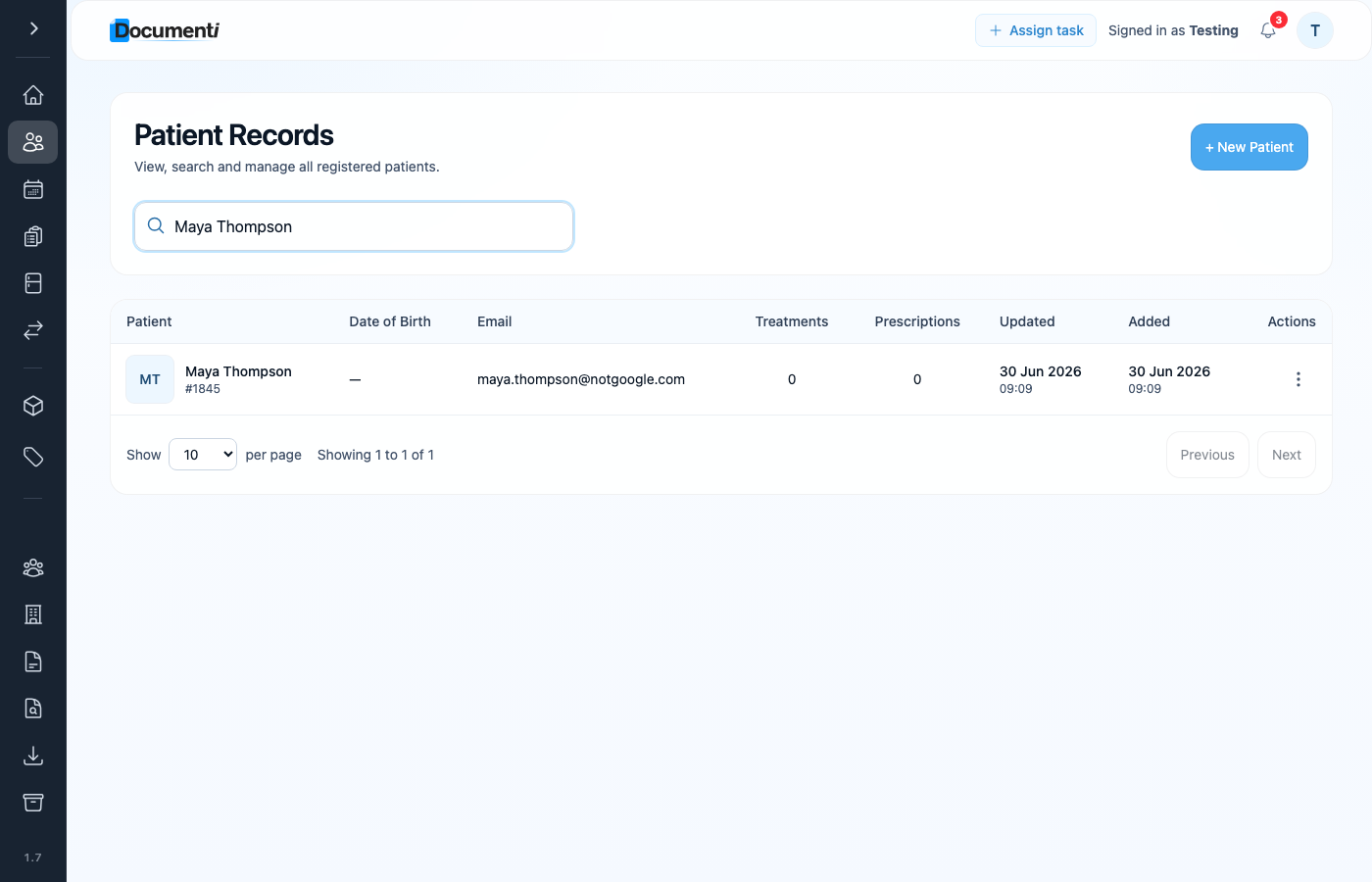
After sync, the same note appears under Admin notes on the patient overview in Documenti — separate from clinical consultation notes.
Note
Clinical documentation — consultation notes, treatment maps, and consents — stays in Documenti only. Do not put clinical detail in internal notes.