Each clinic location in Documenti has its own settings: name, phones, email, who appears as prescriber on forms, and shipping and billing addresses. Organisation-wide branding, matching, and SSO live under the Organisation tab; this is for the clinic you are working in today.
Open clinic settings
- Sign in at app.documenti.co.uk as a clinic or organisation admin.
- Open Settings from the account menu, then select the Clinic tab, or open Clinic Management and edit a location.
- Use the clinic switcher if you need a different location.
Basic information
Enter the clinic name patients and clinicians recognise, plus the main phone numbers, email, and website. Keep the clinic name aligned with the matching location in Clinic Membership so staff know which site they are in.
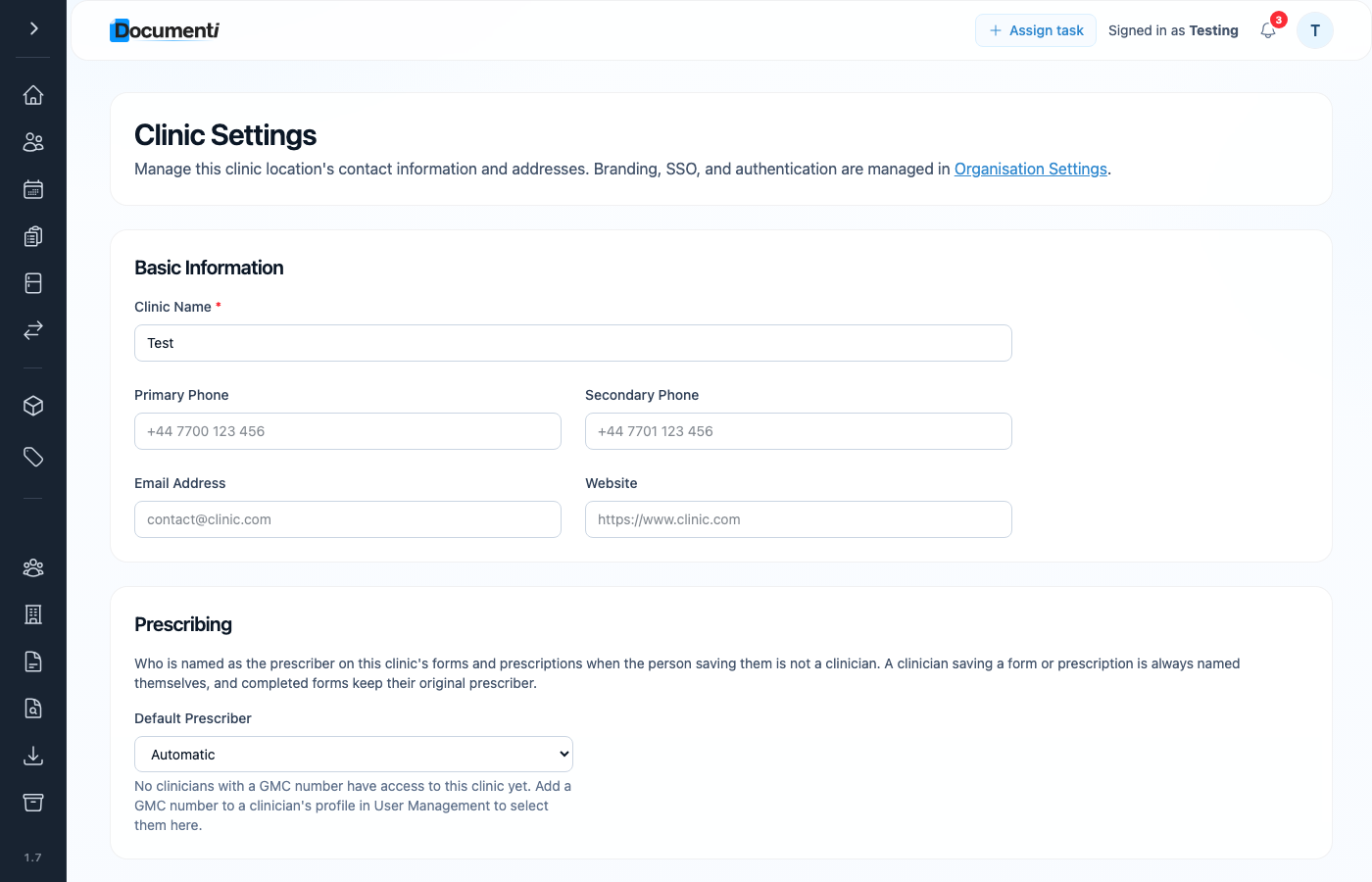
Default prescriber
Prescribing controls who is named on forms and prescriptions when someone who is not a clinician saves them. A clinician saving a form is always named themselves; completed forms keep their original prescriber.
- Automatic: Documenti picks the prescriber according to your clinic rules.
- Named clinician: choose a specific prescriber with a GMC number on their user profile.
Tip
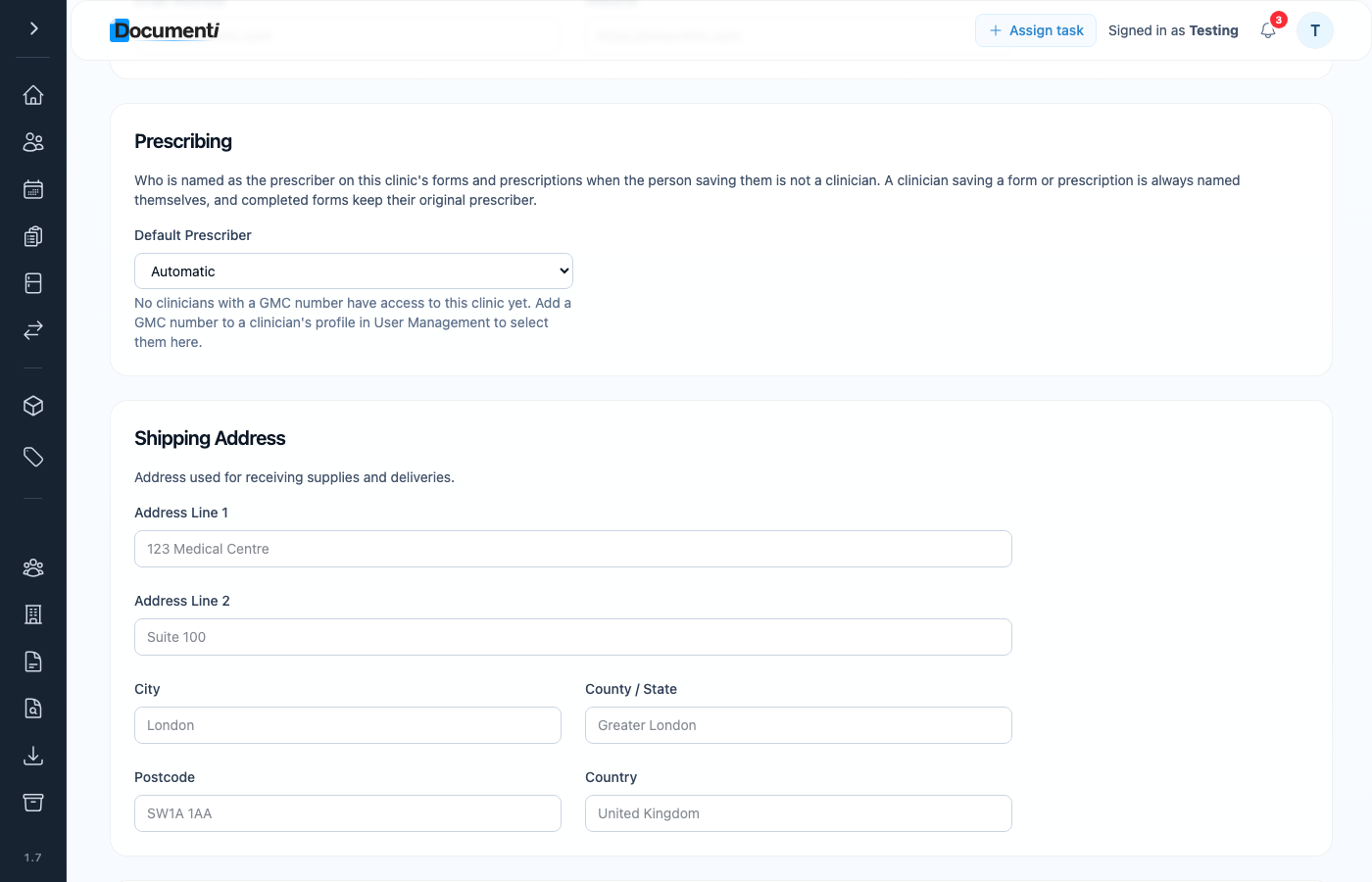
If the prescriber dropdown is empty, open User Management and add a GMC number to each prescribing clinician’s profile, then return here to select them.
Shipping and billing addresses
Scroll down on the same page to add a shipping address for deliveries and a billing address for invoices. These are specific to this clinic location: useful when sites use different suppliers or accounts.