By default a consultation includes consents, procedures, and prescriptions. Consultation Forms lets you add extra forms (for example Medical Questionnaire or Healthcare Assessment) that appear first — numbered 1a, 1b, 1c — before those later steps.
Open Consultation Forms
- Open Form Management.
- Click Consultation Forms.
- You see the configured list for the clinic you are working in.
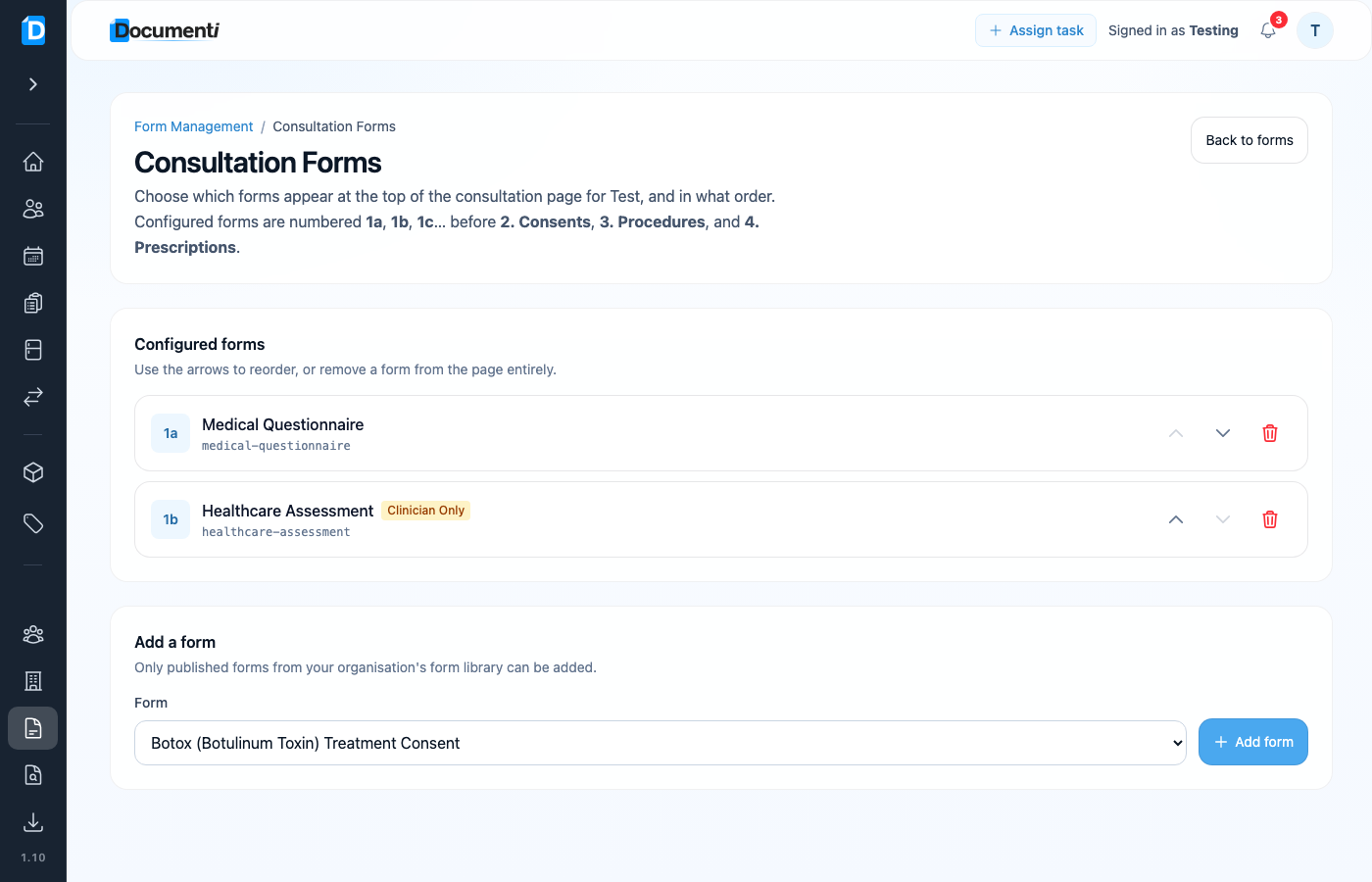
Reorder, add, or remove
- Use the up/down arrows to change order — that is the order clinicians see on the consultation page.
- Remove a form from the consultation page with the bin icon (the form itself stays in your library).
- Under Add a form, pick a published form from your library and click Add form.
Tip
Only published forms can be added. Draft imports from Smart Form Importer must be published first.