Every clinical visit in Documenti follows three phases: Consultation (assessment & planning), Treatment (execution & recording), then Review (outcome & aftercare). Start with Consultation — treatment and review stay locked until you complete the steps they depend on.
Start the consultation
- Open the patient from Daily List or Patients.
- On Overview, click Start (or Continue consultation if one is already in progress).
- You move into the Consultation phase — Assessment & Planning.
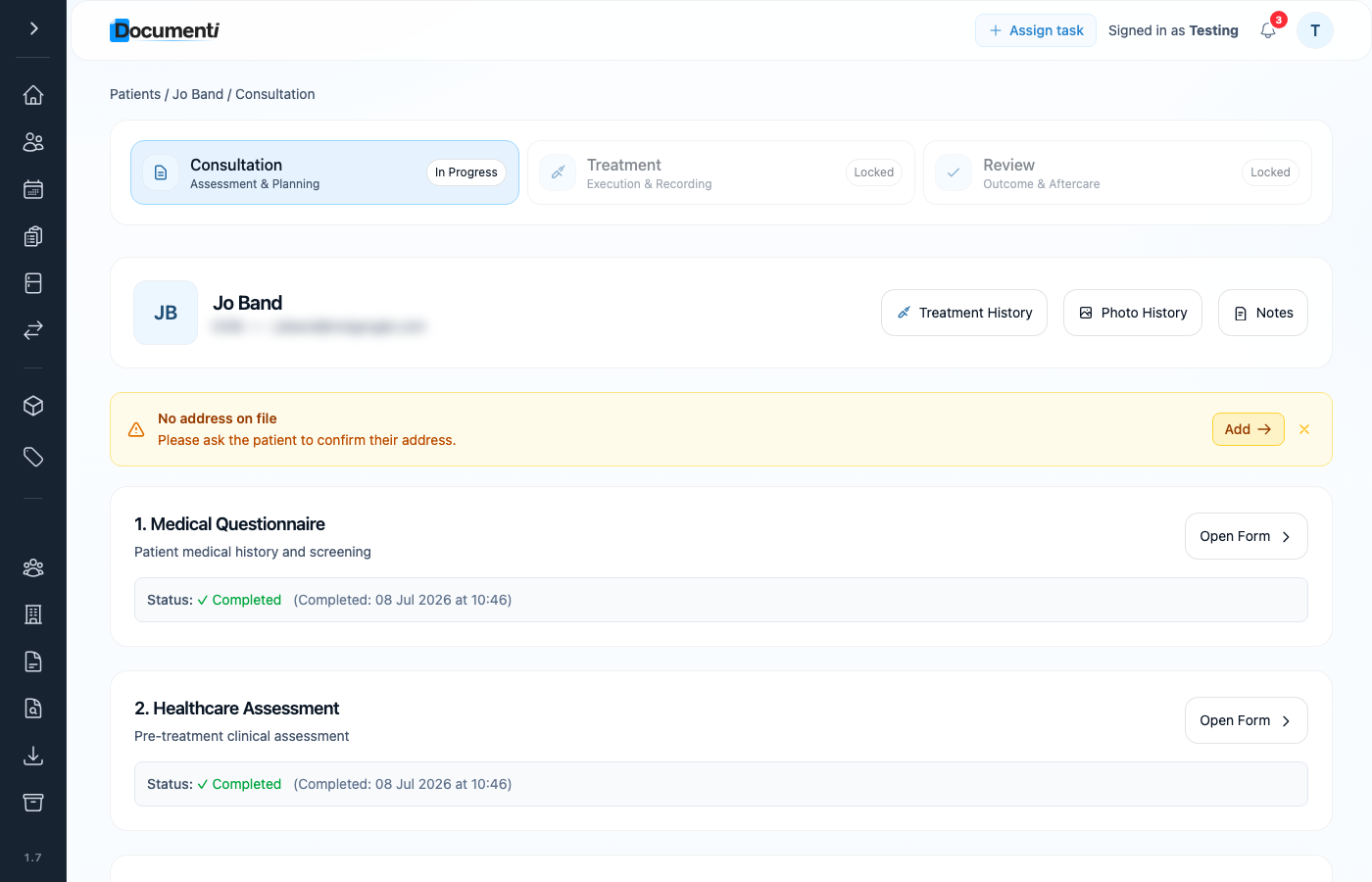
Work through the consultation steps
- Medical Questionnaire — patient medical history and screening. Open the form and complete or confirm it.
- Healthcare Assessment — pre-treatment clinical assessment.
- Consents — capacity, photo permissions, and any procedure-specific consent requirements.
- Procedures — add the planned treatment procedures (for example Anti-wrinkle Botox).
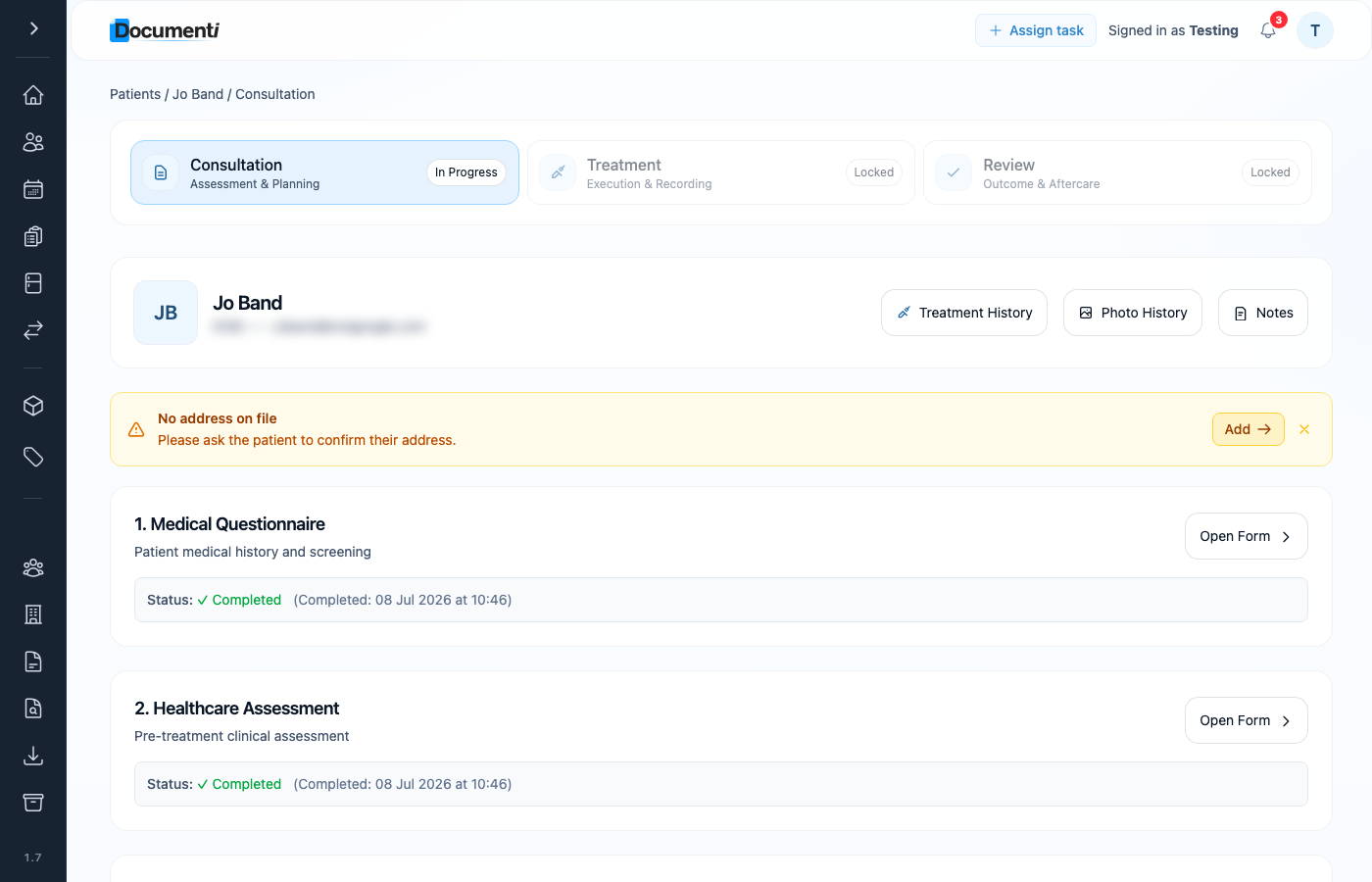
Tip
Form automation may have emailed questionnaires and consents before the appointment. If status already shows Completed, open the form to review rather than redoing it.
Note
Extra forms at the top of a consultation (for example questionnaires) are configured under Form Management → Consultation Forms — choose which published forms appear and in what order.
Move on to treatment
When the consultation steps for this visit are done, the Treatment phase unlocks. Use the treatment phase card or Continue treatment from the patient Overview to record products, photos, and the treatment map.