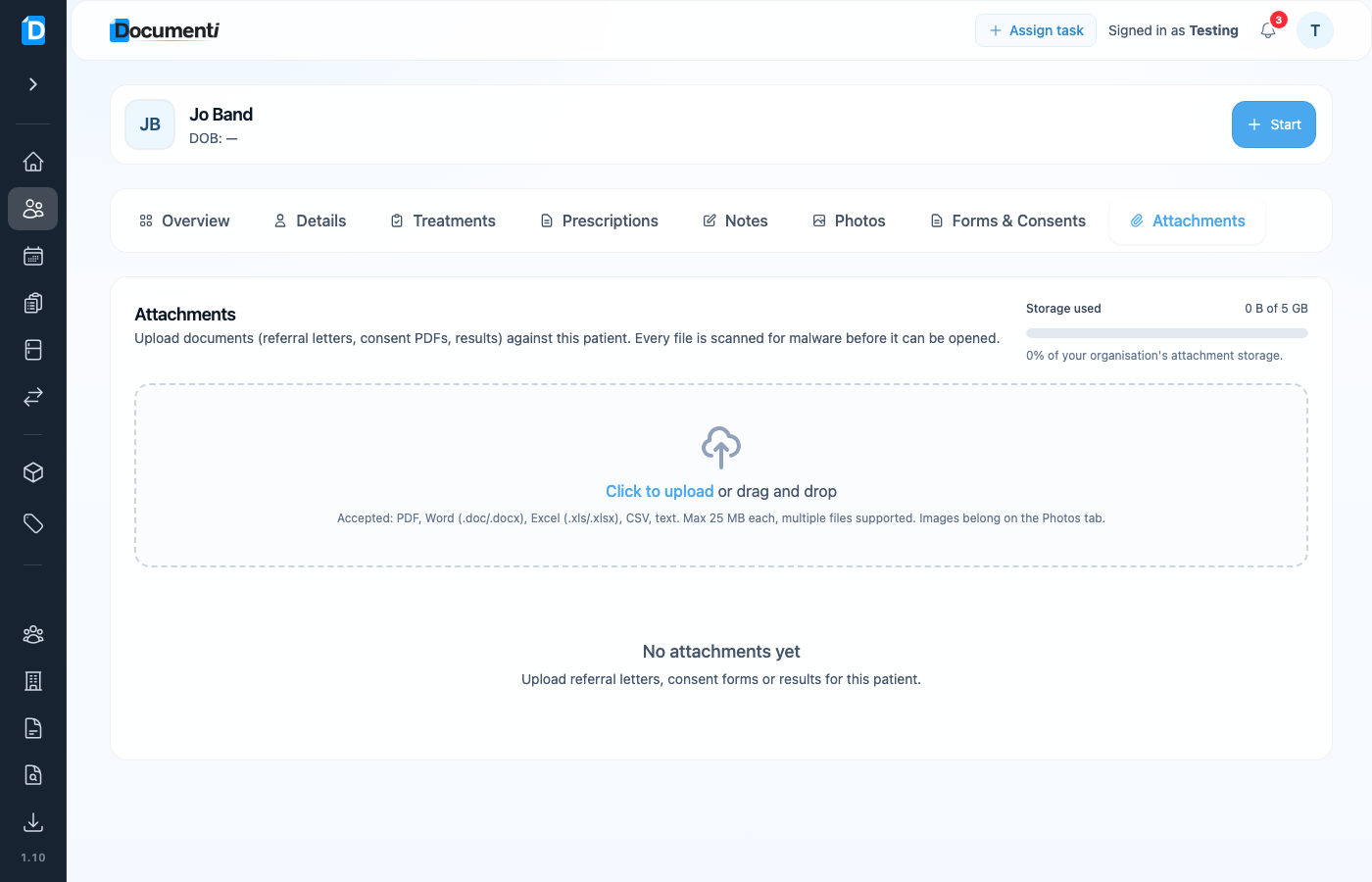
Attachments keep documents with the patient record — separate from clinical Photos. Every file is malware-scanned before it can be opened, and storage is shared across your organisation (shown in Organisation Settings).
Open Attachments
- Open the patient from Daily List or Patients.
- Select the Attachments tab.
- Upload or drag and drop files into the drop zone.
What you can upload
- Accepted: PDF, Word (.doc/.docx), Excel (.xls/.xlsx), CSV, and text — up to 25 MB each.
- Multiple files in one upload are supported.
- Use Photos for clinical before/after images, not Attachments.
Tip
Check Attachment storage under Organisation Settings if uploads fail — your organisation has a shared allowance (for example 5 GB on Free).