Organisation settings control branding across every clinic in your organisation: logo, document colours, stock management, attachment storage, patient matching, and sign-in preferences including SSO.
Tip
Clinic, Organisation, and Developer settings are tabs at the top of the Settings page: open Settings once from the account menu, then choose the Organisation tab.
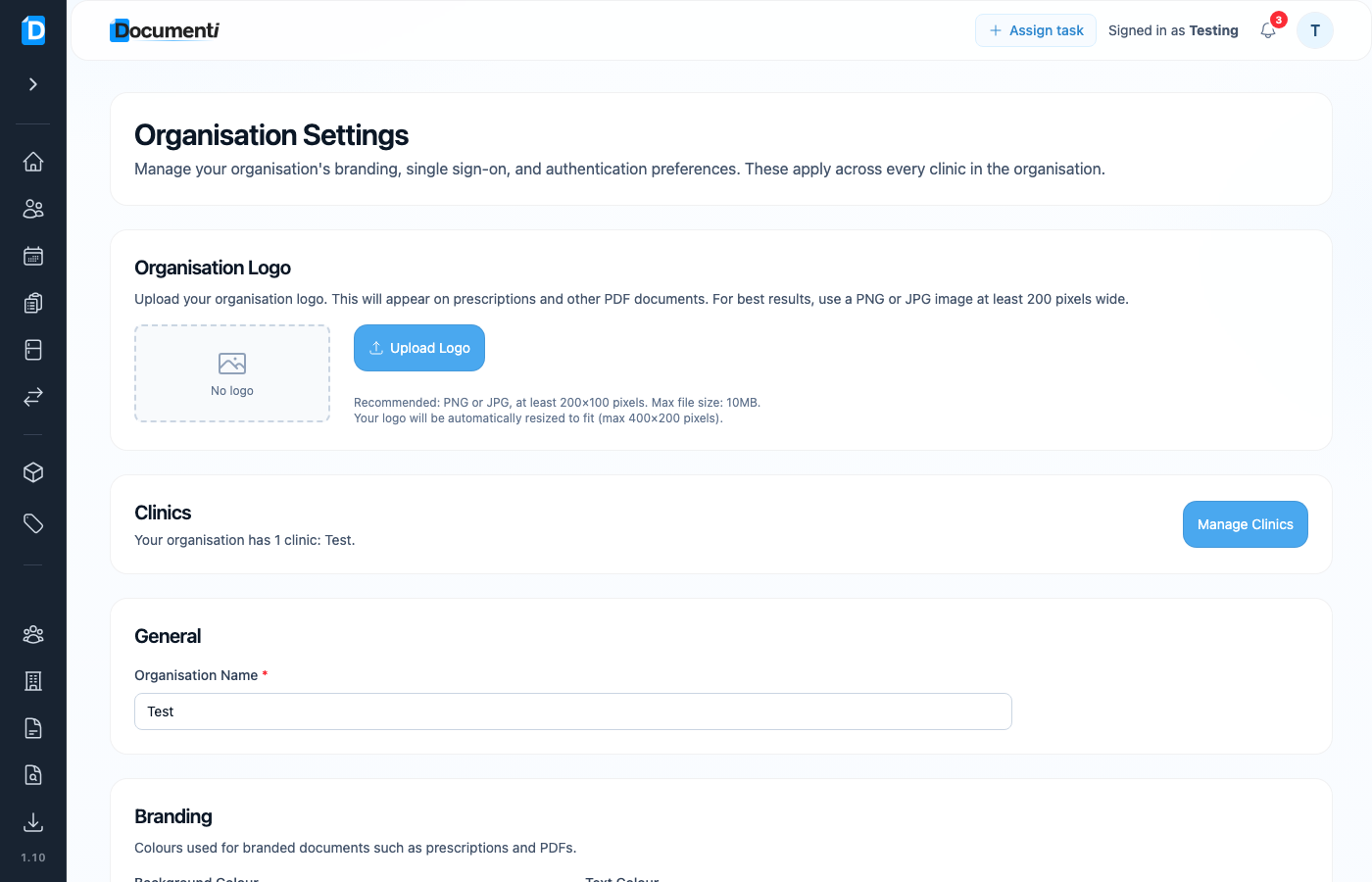
Upload your logo
- Open Settings from your account menu → Organisation tab.
- Under Organisation Logo, choose Upload Logo.
- Use a PNG or JPG at least 200×100 pixels (max 10 MB). Documenti resizes to fit (max 400×200).
Brand colours
Set Background Colour and Text Colour for branded documents (prescriptions and other PDFs). These apply organisation-wide.
Tip
Clinic-specific contact details and default prescriber still live under Clinic Settings. Logo and colours are organisation-wide.